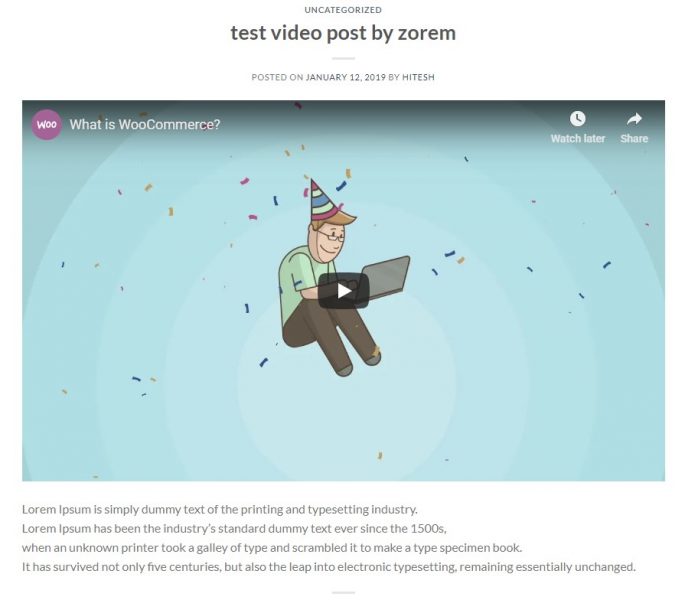
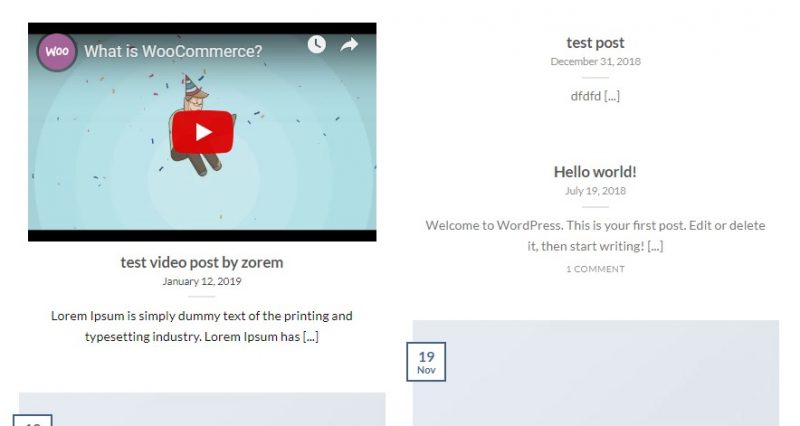
In this post i am going to show you how How to add featured video to posts in Flatsome theme.
First you need to install plugin zorem Featured Video.
Then active zorem Featured Video plugin.
Then you will need to add new post in blog as shown in video. and you have to add youtube video id in “Featured video”.
how to get “youtube video id” ?
You will get youtube id from video link if example video link is https://www.youtube.com/watch?v=tgbNymZ7vqY then your youtube video id is “tgbNymZ7vqY”
Now publish post then see your blog page.
Now you need to over right one file from main theme to child theme. file path is /wp-content/themes/flatsome-child/template-parts/posts/partials/
You need to upload entry-header.php this file in child theme from main theme to above given path.